Portrait Guides · August 25, 2026 · 5 min read
How to Choose the Best Photo for a Custom Pet Portrait
Artists can correct a lot — a busy background, a tilted horizon, a collar you don't like. What can't be recovered is detail that was never captured: eyes lost in shadow, fur blurred by movement, a face too small in the frame. Here's how to give your portrait the best possible starting point.
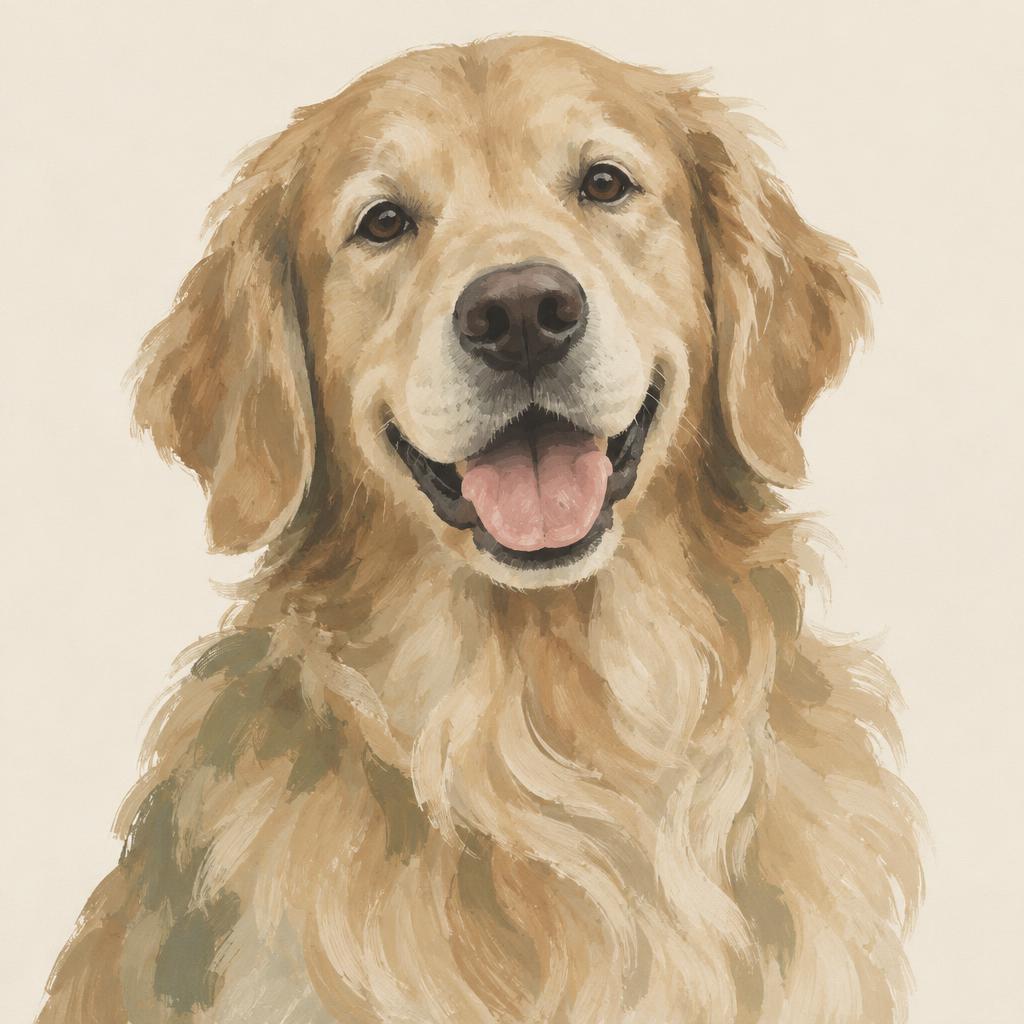
Get down to their eye level
Photos taken from standing height foreshorten the muzzle and hide the eyes. Kneel or lie down so the camera is level with your pet's face. This single change improves more portraits than anything else.
Use daylight, never flash
Indirect daylight near a window, or outdoors on an overcast day, gives soft even light and true colour. Flash flattens fur texture and turns eyes into discs.
Fill the frame
Your pet's head and chest should fill most of the frame. Cropping in later throws away pixels; getting close keeps them.
Check these before you upload
A quick checklist that catches most problems:
- Both eyes visible and in focus
- Fur texture visible when you zoom in on your phone
- No heavy filters, beauty modes or aggressive night mode
- File sent at original size, not compressed by a messaging app
If the only photo you have isn't perfect
For memorial commissions especially, the photo is often the only one that exists. Send it anyway. Our artists work from imperfect photos constantly, and we'll tell you honestly before printing if we don't think we can do it justice.
Frequently asked
- What resolution should my pet photo be?
- Any modern phone photo sent at original size is fine. As a rule of thumb, if you can zoom in on your pet's eyes and still see detail, we can work with it.
- Can you remove a leash, collar or background?
- Yes. Leashes, harnesses, backgrounds and other pets can all be removed, and a collar can be kept if you'd like it in the portrait.
